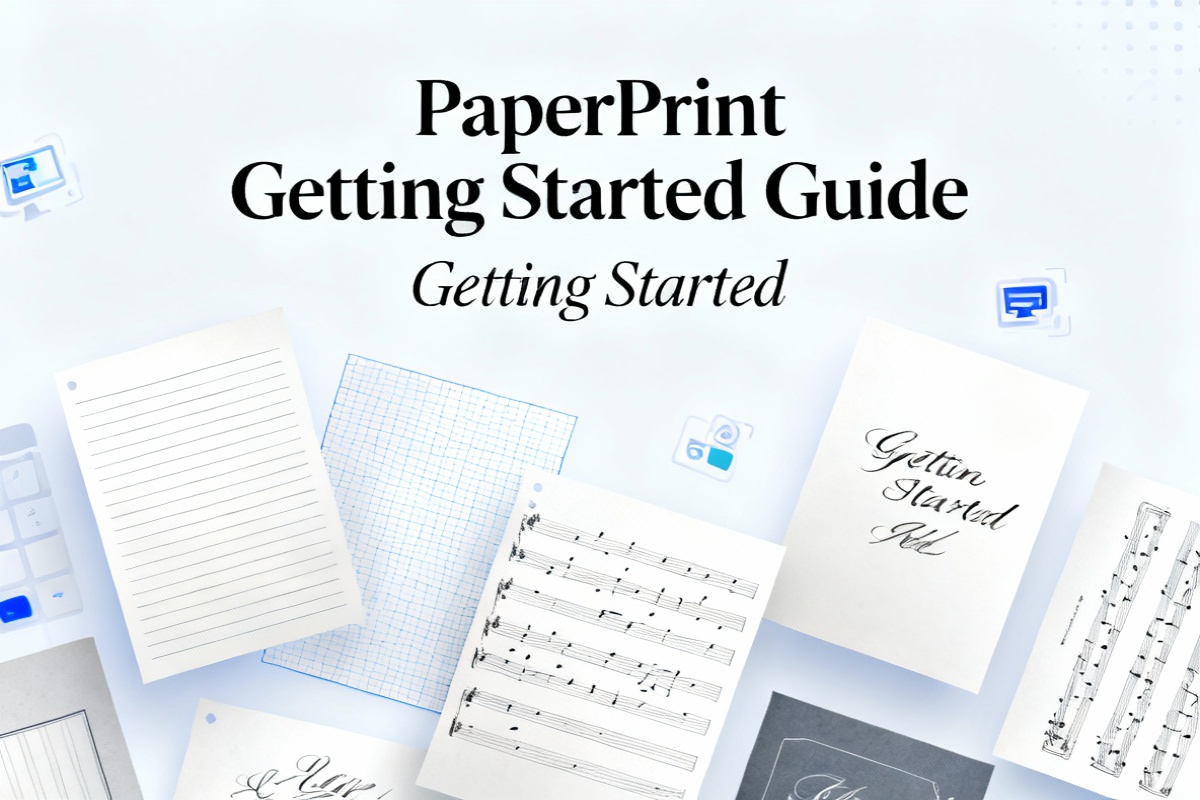
Getting Started with PaperPrint
Getting Started with PaperPrint
Welcome to PaperPrint! This is a completely free, no-registration online printable template generator. This guide will help you quickly learn how to use PaperPrint to generate and export high-quality printable templates.
What is PaperPrint?
PaperPrint is a browser-based printable template generator that supports:
- ✅ 30+ Templates: Lined paper, grid paper, music sheets, calligraphy paper, timetables, and more
- ✅ Fully Customizable: Adjust margins, spacing, colors, and paper sizes
- ✅ High-Quality Export: PNG and PDF formats at 300DPI by default
- ✅ No Installation: Use directly in your browser, multilingual support
- ✅ Completely Free: No ads, no watermarks, no registration required
How to Use?
Step 1: Choose a Template
Visit the PaperPrint homepage, browse the template library, and click on any template card to enter the editing page.
For example, let's start with the basic Lined Paper:

Lined Paper
热门Free lined paper print template with customizable line spacing, margins, and line color. Suitable for notes, diaries, homework, etc. Supports PNG / PDF export.
Step 2: Adjust Parameters
Once you enter the template page, you'll see the control panel on the left. Here you can adjust:
- Paper Size: A4, A5, Letter, or custom sizes
- Orientation: Portrait or landscape
- Margins: Top, bottom, left, and right margins (in millimeters)
- Line Spacing: Distance between lines
- Line Color: Custom color support
- Background Color: Solid or gradient
All changes are previewed in real-time, making it easy to adjust until you're satisfied.
Step 3: Export File
Once you're done adjusting, click the "Export" button in the top right corner and select a format:
- PNG: Suitable for direct printing or inserting into documents
- PDF: Suitable for long-term storage and sharing
The exported file will automatically download to your computer with a filename format of template-name-date.format.
Recommended Templates
For Students
If you're a student or teacher, these templates might help:

Grid Paper
热门Free grid paper print template with customizable grid size and line style (solid/dashed/dotted). Suitable for math, engineering, drawing, and more.

Professional Cornell note template with customizable parameters. Perfect for various printing needs.
For Work
If you need templates for work or project management:

Stay organized with this free printable Daily To-Do List template. Manage tasks by Morning, Afternoon, and Evening sections. Customize checkboxes and fonts easily.
FAQ
1. The exported PDF colors look faint?
This is normal, as we use light-colored lines to save printing ink. If you need darker lines, adjust the "Line Color" in the control panel.
2. Which browsers are supported?
PaperPrint supports the latest versions of Chrome, Safari, Edge, and Firefox. Mobile browsers also work, but we recommend using a desktop for the best experience.
3. Can I save configurations?
Currently, saving configurations is not supported; each visit starts fresh. If you need to reuse a configuration, we recommend taking a screenshot of the parameter values.
Next Steps
Now that you've learned the basics of PaperPrint, go ahead and try more templates!
If you have any questions or suggestions, feel free to contact us through the Support page.